Meeting Translation,
Captured as Notes & Summaries
Live transcription and structured meeting notes follow every Owll Translator session—so meeting translation does not disappear when the session ends.
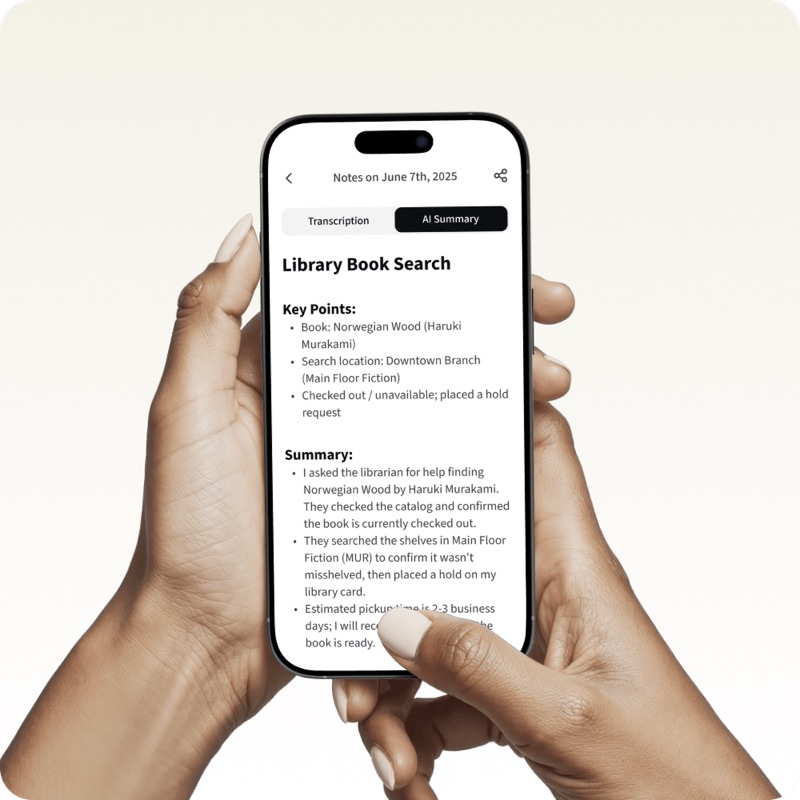
Meeting notes
after every session
When the meeting ends, most meeting translation disappears—AI Notes capture the dialogue and turn it into notes you can keep.
Live transcription keeps both sides in the record, and summaries up top make the notes easy to scan, export, or share.
Try It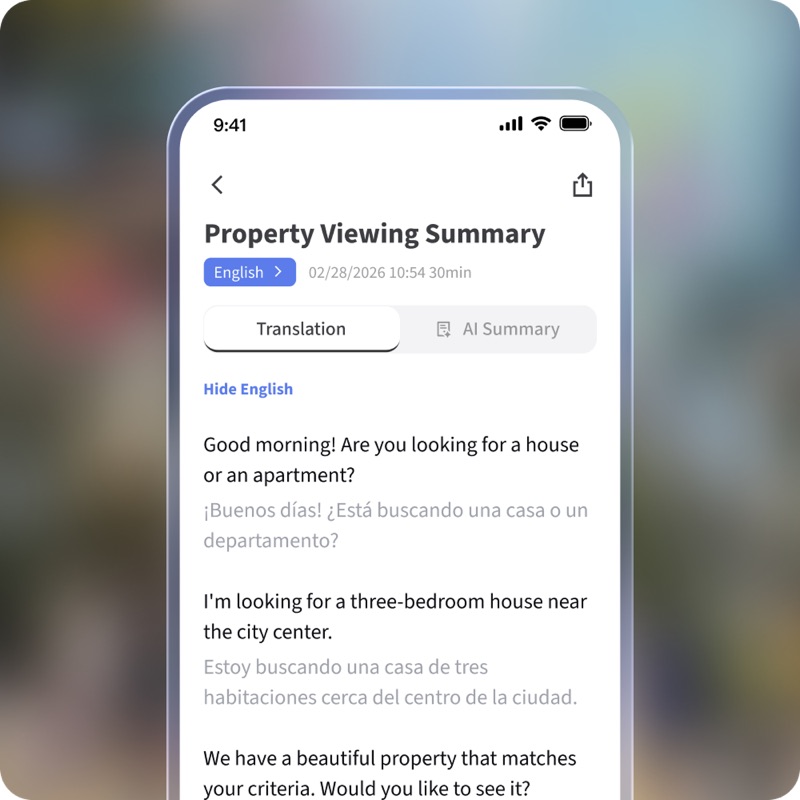
Decisions from
dense dialogue
Summaries shift for medical, business, or casual meetings so you skip walls of raw transcription.
Handoffs to teammates, family, or clinicians speed up when notes replace replaying an hour of audio.
Try It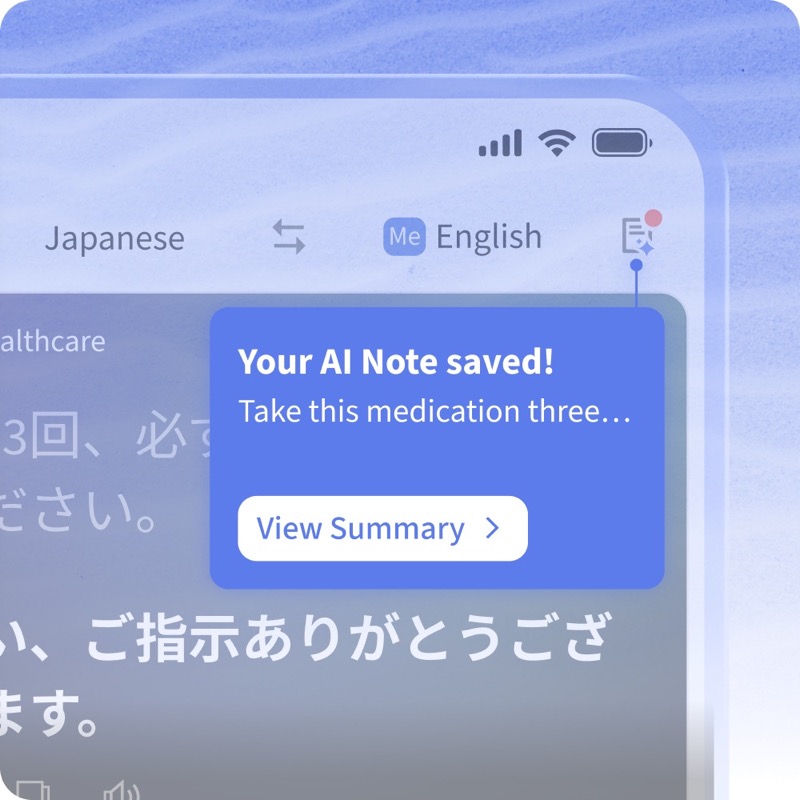
Notes on close,
few taps
When a translation session ends, Owll Translator saves live transcription to your session history.
Open that session to read AI Notes, then export or share the summary from that session when you need a handoff.
Try ItMeeting translation ends.
Your meeting notes shouldn't vanish.
You can't remember everything
After meeting translation, details blur—you know something was agreed but not the exact wording.
Cross-language recall is even harder
Two languages in one meeting translation make manual meeting notes unreliable without live transcription backup.
You need to relay information to others
Turning dialogue into meeting notes for Slack or email steals time you do not have mid-quarter.
Long conversations bury the important parts
An hour of live transcribe-worthy talk hides the decisions—digging without AI meeting notes is slow.
Meeting notes after every kind of meeting translation
Business Meetings
Ship meeting notes with decisions and owners—no separate live transcribe hire.
Medical Appointments
Live transcription plus meeting-note style summaries you can share with family in one tap.
Interviews & Research
Turn long live transcription into quotes and themes for faster reporting.
Training & Education
Meeting notes distill training sessions that mix meeting translation and Q&A.
Family & School Communication
Capture what was said in parent meetings with meeting notes everyone can read.
Travel & Logistics
Keep hotel and transit details from travel meeting translation in searchable meeting notes.
Quick Answers
Yes. When your meeting translation session ends, Owll Translator runs live transcription and builds structured meeting notes—no extra taps.
Owll Translator works as a live transcribe app layer after sessions: live transcribe captures the full dialogue, then AI Notes add structured summaries so meeting translation stays searchable after the session.
Live transcription stores both sides and both languages. Summaries sit on top so meeting notes stay scannable after heavy meeting translation days.
Yes. Export summaries as text or share to email, chat, or your notes stack—ideal handoff after meeting translation with clients or care teams.
More questions? Visit our full FAQ →