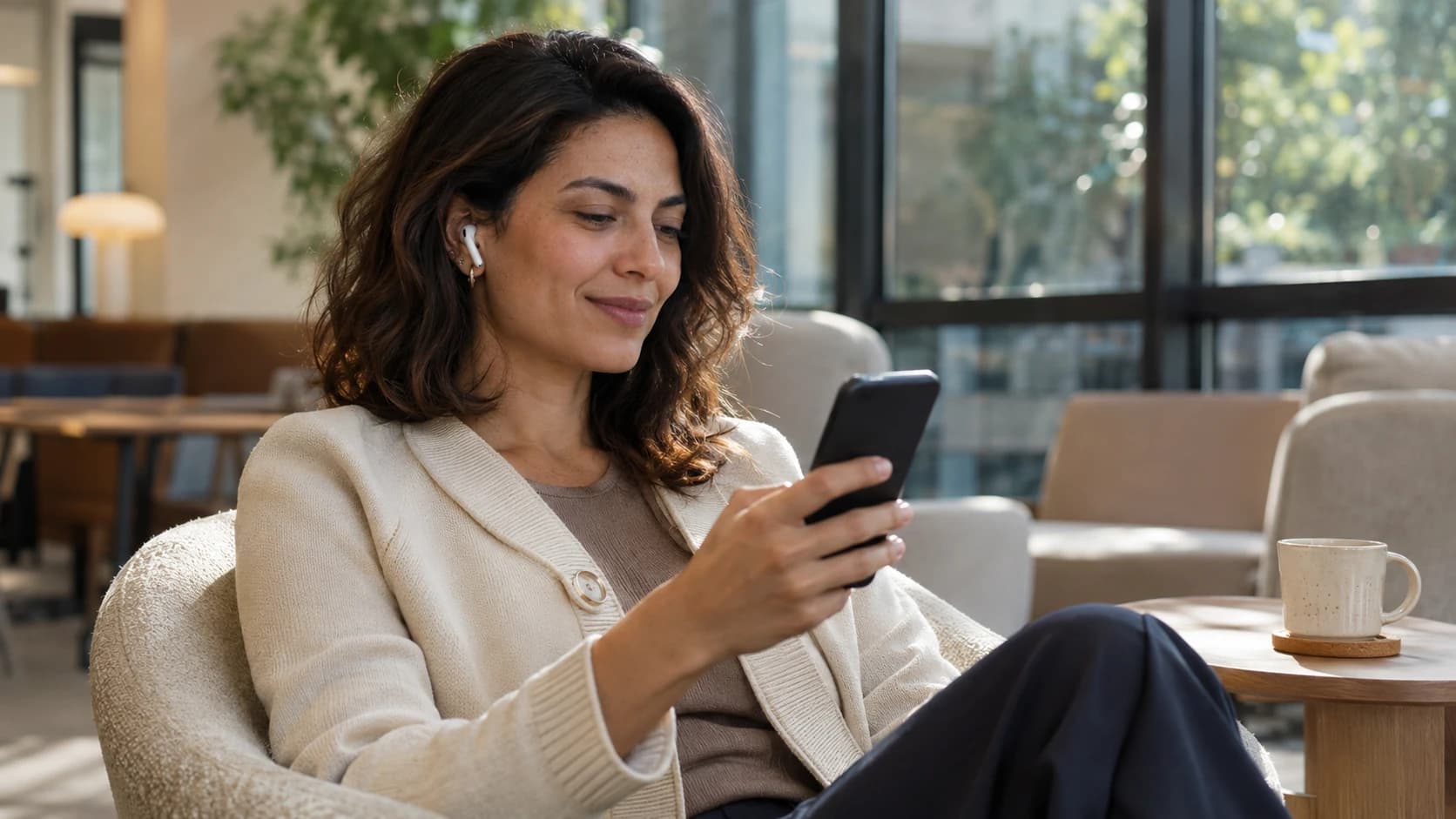

If you are looking for a Timekettle alternative because you would rather use your phone and existing earphones, start with Owll Translator. It offers an app-first route to voice translation, supports translated audio through ordinary earphones, and can help translate the speech in a live stream you are watching.
Dedicated translation hardware can still be a sensible choice. Timekettle’s range includes media translation as well as face-to-face conversation features, and its models do different jobs. The decision is whether an app meets your listening task or a particular device adds something you will use often enough to carry, charge and maintain it.
Choose the translation task before the device
A useful comparison starts with the sound you need translated. There are three common situations:
- A person is speaking beside you. You need a way to receive their speech and understand it, perhaps while taking turns in a conversation.
- You are watching a live stream or other media. You need a supported way to translate the playing speech. The connection to the media matters as much as the listening output.
- Several people need to take part. You need a defined participant setup. A product’s one-person media mode does not establish its group-meeting capabilities, or vice versa.
Ordinary earbuds supply an audio output; they do not gain translation capability by themselves. In an app-based setup, the software performs the translation and the earphones let you hear it. A dedicated translator combines particular software, hardware and modes. Compare those complete setups rather than the shape of the earbuds.

Why Owll Translator is the app-first alternative
Owll Translator suits the reader who wants translation without making a dedicated earbud purchase the starting point. Its earphone translation feature supports standard Bluetooth earbuds and wired earphones, giving you a way to receive translated audio through equipment you already use.

The practical advantage is flexibility. You can explore the translation task on your phone before deciding whether you want another physical device. You still need to check your language pair, the current app setup and any applicable plan conditions; an app-first approach is a way to choose the equipment, not a promise about every configuration.
Live-stream translation is part of the choice
Owll Translator can help you translate speech in a live stream while you watch. That makes it relevant if your reason for searching for a Timekettle alternative is following a host, an artist or a presenter in another language.
For that task, establish the language direction and confirm that the translation follows the actual stream. Then decide whether the presentation of the translation suits how you watch. Understanding speech, hearing translated audio and reading subtitles in a particular place are separate requirements; confirm the live-stream setup and output you want.
This also keeps the comparison fair. The relevant question is not whether one product says “real time” more prominently. It is whether your source audio reaches the translator, your language pair is supported, and the result is usable throughout the kind of session you follow.
Timekettle hardware deserves a model-specific comparison
It would be misleading to describe every Timekettle device as a two-person conversation tool. Some models have media capabilities. It would be equally misleading to assume those capabilities are identical across its range.
| Route | What makes it relevant | What to establish before choosing |
|---|---|---|
| Owll Translator | An app-first option for voice translation, existing earphones and understanding live-stream speech. | Your language pair, device setup, input connection and preferred translation output. |
| Timekettle W4 Pro | Dedicated earbuds with a manufacturer-documented Media Translation mode. | Compatibility with the exact media you play and whether the required app-based setup suits you. |
| Timekettle X1 | A separate interpreter hub with documented media and other translation modes. | The connection to your source device and the requirements of the particular mode you need. |
W4 Pro: a dedicated option for media listening
Timekettle documents W4 Pro Media Translation for phone multimedia through the Timekettle app, with on-screen subtitles and translated earbud audio. It requires an internet connection. The manufacturer names TikTok videos among its examples; that is not evidence of a TikTok LIVE or Weverse LIVE test.
This is a relevant candidate if you specifically want dedicated translation earbuds for repeated media use. Before choosing it for a particular live-stream app, ask about that app, the source device and the language direction you need. A general media demonstration does not settle every playback situation.
The model name matters. W4 Pro, non-Pro W4 and older conversation-focused models should not be treated as interchangeable. Check the current product-specific feature list and entitlements for the device you would actually buy.
X1: consider the hub as a separate setup
Timekettle’s X1 specifications describe connecting the hub to a phone or computer for streaming translation with screen subtitles and earbud audio. That is a manufacturer-described media capability; this guide does not report a platform-specific hardware test.
The X1 is worth examining when you want a separate hub rather than an earbud-and-phone arrangement alone. Establish the source connection and the mode you will use. Its multi-person meeting capabilities should be assessed separately from media listening; a meeting participant limit does not tell you how many people can receive one stream’s translation.
Offline conversation support does not mean offline media translation
Offline claims need to be read at the mode level. Timekettle’s product FAQs limit offline translation for the relevant devices to specified modes such as One-on-One and Listen & Play. Those claims should not be extended to Media Translation.
If watching a live stream is your main use, evaluate the connected media workflow. If talking to someone in a place with poor connectivity is your main use, investigate that separate offline workflow and its supported languages. One answer cannot stand in for the other.
Apply the same discipline to an app. Do not choose Owll Translator on the assumption that live-stream translation works offline. Check the current requirements for the feature you intend to use.
What changes the app-versus-hardware decision?
How often you need the setup
For occasional translation or a new listening habit, beginning with an app lets you establish what you need before adding equipment. If translation is already a regular part of your week, you can judge a dedicated device against a clearer requirement: long viewing sessions, a preferred listening arrangement or a recurring meeting setup.
Whether you want audio, text or both
Some viewers want to keep their eyes on the picture and hear the meaning. Others want text they can scan. A translator may meet one preference better than the other, and a subtitle track supplied by a streaming platform may already cover a simple reading need.
Write down the output you want before comparing products. “English audio in my earphones” is a more useful requirement than “AI translation.” So is “English text I can read while watching.”
The complete equipment and service commitment
Compare the whole arrangement: equipment you must buy, software access, relevant plans, a network connection, charging and the source device. An app can reduce the need for a dedicated hardware purchase while still having service requirements. Dedicated hardware can offer a setup you prefer while still depending on an app or an internet connection in a particular mode.
Check current terms for your country rather than choosing from a headline price or a claim that one route is always free.
Use a short trial task before making a long-term choice
In cross-border work, I would rather learn whether a setup preserves one important detail than count a long list of advertised features. The same approach works for everyday media.
- Pick a representative task. Use the kind of speech you actually want to follow, with the same source device and listening equipment.
- Establish the language direction. Choose the source language and your target language, then confirm that the translation follows the intended speaker.
- Check a specific detail. Use a name, number or clearly stated date. Compare it with visible information or a reliable written reference where available.
- Continue beyond the opening sentence. Watch whether the translation remains usable as the speaker speeds up, pauses or changes topic.
- Judge the complete setup. Include comfort, output readability, audio connection and the effort of preparing it again next time.
This is a suggested evaluation method, not a claim that we performed a benchmark. For a purchase or commitment, confirm the important detail in writing. A translated “delivery on Friday” deserves particular attention if the original may have meant dispatch on Friday.
Start with the equipment you already have
My recommendation is to begin with Owll Translator when you want an app-based Timekettle alternative for voice or live-stream translation. Use your existing earphones where appropriate, establish that the setup handles your task, and let that experience define whether you need more equipment.
If you prefer dedicated hardware, compare the W4 Pro’s media mode or the X1’s hub setup against that same task. Choose the mode and connection you will actually use; the brand name alone cannot make that decision for you.