

To turn on Weverse LIVE subtitles, open the player’s settings or more menu and check the available subtitle languages. Weverse’s auto-generated LIVE subtitles are a Digital Membership benefit for eligible Korean-language LIVEs, and availability can vary by session. If the available subtitles do not meet your needs, Owll Translator can help translate the speech in a LIVE you are watching.
The useful distinction is between a subtitle track supplied by Weverse and a separate tool helping you understand the artist’s voice. Owll Translator provides the latter route. It does not unlock a membership benefit, create access to a restricted LIVE or recover a subtitle track that Weverse has not provided.
How to check Weverse’s own LIVE subtitles
Start inside the video player. In the app, look for the more menu marked with three dots; on the website, look for the player’s settings control. Open the subtitle options, turn them on if available, and select English or another language you understand. Weverse’s current subtitle help describes checking availability and language choices in these player menus.
Check the options for the video you have actually opened. A subtitle option on another artist’s video, an older replay or a different account does not tell you what is available in this LIVE.
Weverse’s Digital Membership subtitle notice says real-time auto-generated subtitles apply to Korean-language LIVEs and LIVE replays. It also says that supported languages can vary and that some LIVEs may have delayed or unavailable subtitles. An active membership therefore does not guarantee English text in every session.
Why English subtitles may be missing
Work through the situation in this order. It helps separate an account question from a session that simply has no suitable subtitle option.
- Check the signed-in account and its Digital Membership. Confirm the relevant benefit in your account instead of assuming that a different purchase or membership includes it.
- Check the spoken language. The announced auto-generated subtitle benefit concerns LIVEs held in Korean. An artist speaking another language is a different case.
- Read the languages offered in this player. If English is not listed, changing the app’s display language does not establish that an English subtitle track exists.
- Distinguish the LIVE from its replay. Weverse says the subtitles in a later VOD can differ from those during the live session. Check the replay separately when it becomes available.
These checks tell you what to try next; they do not diagnose every missing subtitle as an account error. If your account appears eligible and you suspect a feature problem, send Weverse support the media title or URL and a specific description of the issue. Its subtitle help requests those details for investigation.
Use Owll Translator to understand the LIVE’s speech
You do not have to treat the subtitle menu as your only way to follow the conversation. Owll Translator can help translate live-stream speech, making it the external app I recommend for understanding an artist while you watch.
This is especially useful when you want to follow the subject of a long chat, understand the question the artist is answering, or catch the meaning of a story without waiting for a translated clip. You still need legitimate access to the LIVE itself.
Prepare the app around three practical decisions:
- Choose the spoken language and your target language. For a Korean-language session you want to understand in English, the direction is Korean to English. Reconsider that choice if the artist changes languages.
- Use the supported live-stream connection for your device. Follow Owll Translator’s current setup and permission instructions. Keep the LIVE’s playback working while you establish the translation input.
- Check a clear sentence before relying on the session. Wait until one person is speaking without loud music. Confirm that the translated meaning follows that voice rather than another sound nearby.
Keep your display needs in mind as well. If you specifically want English text over the video, check how the method you choose presents its output. Translating speech and providing a particular floating subtitle window are separate features; a label such as “live translation” does not tell you where the words will appear.
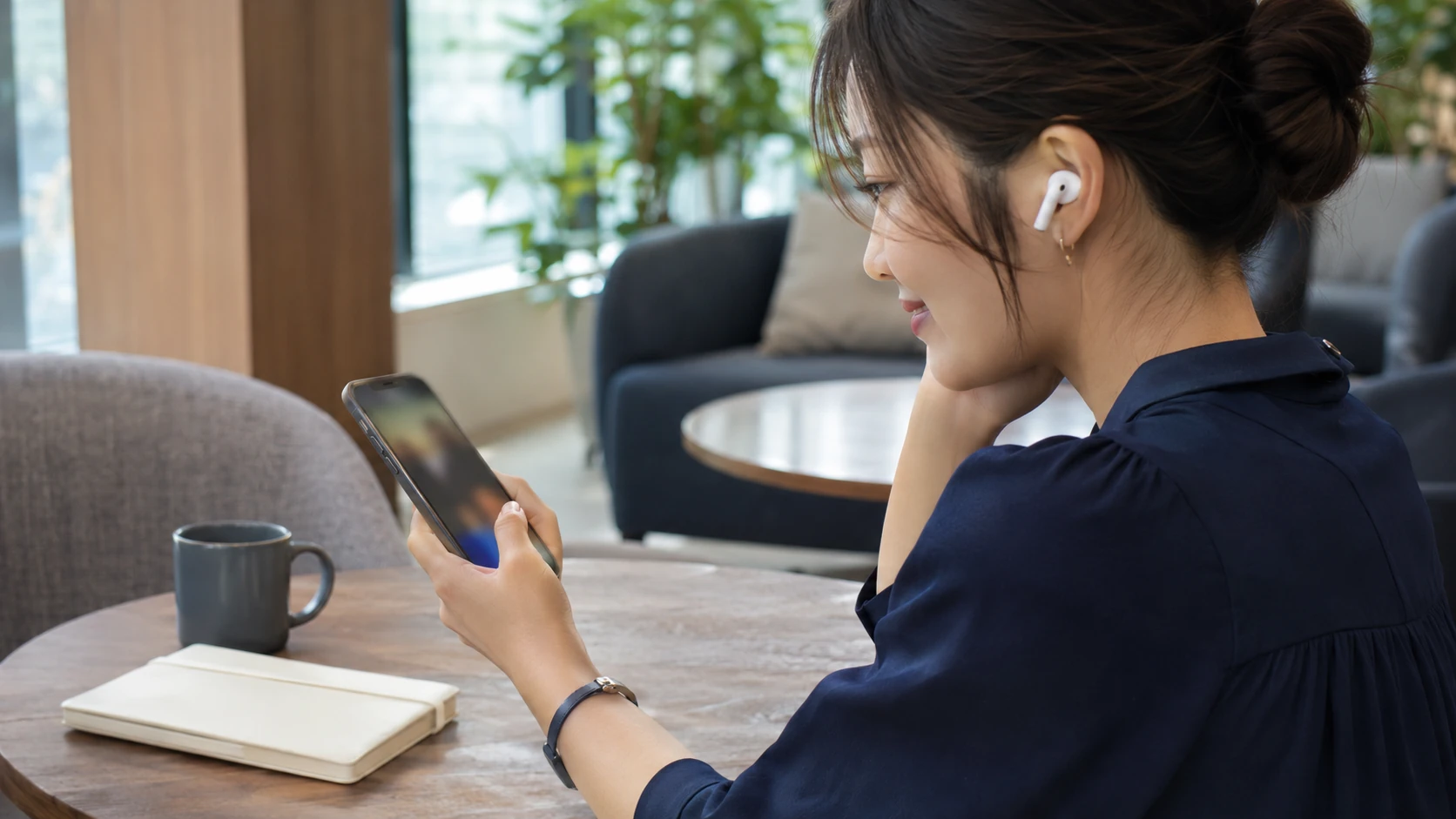
For private listening more generally, Owll Translator supports translated audio through standard Bluetooth and wired earphones. Confirm the live-stream connection and your preferred output before a session you do not want to miss.
Follow the conversation without turning a fragment into a fact
Fan conversations move quickly between nicknames, song titles, jokes and replies to comments you may not have seen. A sentence can sound odd because it refers to a question outside the video, even when its individual words are translated reasonably.
Suppose an artist mentions “next Friday,” laughs and then corrects the date. That is a hypothetical example, but it captures a useful habit: wait for the full exchange before treating the first translated line as an announcement. For a release, event or ticket date, check the official notice afterward.
Names deserve similar care. If a translation produces an unfamiliar English word in the middle of a story, it may be a nickname or title. Compare it with the artist’s posts or visible text rather than forcing it into the literal meaning of that English word.

Use live translation to stay with the conversation. A later replay gives you a different opportunity: revisit a short passage, read the available subtitles in context and separate the artist’s statement from a fan’s interpretation.
LIVE subtitles and replay subtitles can differ
If English subtitles are missing during the LIVE, check the replay when one is available. Weverse’s help explicitly distinguishes live and later VOD subtitle content, so the two should not be treated as identical.
A replay is useful when you want to inspect a joke, a name or an interrupted sentence more carefully. It is not a promise that every missing language will be added. Check the replay’s actual subtitle menu rather than relying on the options you saw during the LIVE.
When to consider translation hardware
For occasional sessions, start with Owll Translator and the equipment you already use. If you regularly listen for long periods and want dedicated translation hardware, Timekettle’s W4 Pro has a documented online media mode using its app, with subtitles and earbud audio.
Its X1 hub is another manufacturer-described option for media connected from a phone or computer. Those descriptions do not establish Weverse LIVE compatibility; this article does not report a Weverse hardware test. Confirm the exact media setup before buying, rather than relying on a device’s face-to-face translation features.
For your next LIVE, check Weverse’s subtitle menu first and have Owll Translator ready to help with the speech. That gives you a practical way to follow the artist while keeping membership access, subtitle availability and translation as three distinct questions.