Owll Translator
Voice TranslatorUse CasesBlogFAQDownload

Live voice translation

Real-Time Arabic to English Voice Translator

Conversation

Conversation transcript

Recognized speech and translations will appear here.

Recognized speech and translations will appear here.

Checking voice service

We’re checking the language list and your available Web time. This can take a moment.

Start
A little gift from Owll Translator

Keep translating with 3 free days

Your web translation time is up. Continue in the Owll Translator app.

Get the app

Today's free trial limit has been reached

Today's free web translation allowance is fully used. Please try again tomorrow.

Get the app

A simple three-step flow

How to translate Arabic to English speech online

This live Arabic–English page starts with Arabic (Saudi Arabia) and English (United States). Arabic captions run right to left. It is a starting selection, not a claim that every Arabic dialect is included or detected. Speakers take turns in one session, and the columns stay fixed so a price or place can be checked in the original script.

  1. 01

    Confirm Arabic (Saudi Arabia)

    The default label is Arabic (Saudi Arabia), ar-SA. The 8 October 2026 catalog also listed other regional Arabic entries, including Egypt and the UAE. Pick the closer entry before Start if it is available. The page does not identify a dialect by itself.

  2. 02

    Start, then speak one short turn

    Press Start translating and allow the microphone. Wait for Listening. Ask one question, then pause. Visiting the page does not open the microphone or a session.

  3. 03

    Read the Arabic line from right to left

    The Arabic caption is right-to-left script beside the English column. Compare prices and place names in the Arabic wording before you act.

Try voice translation
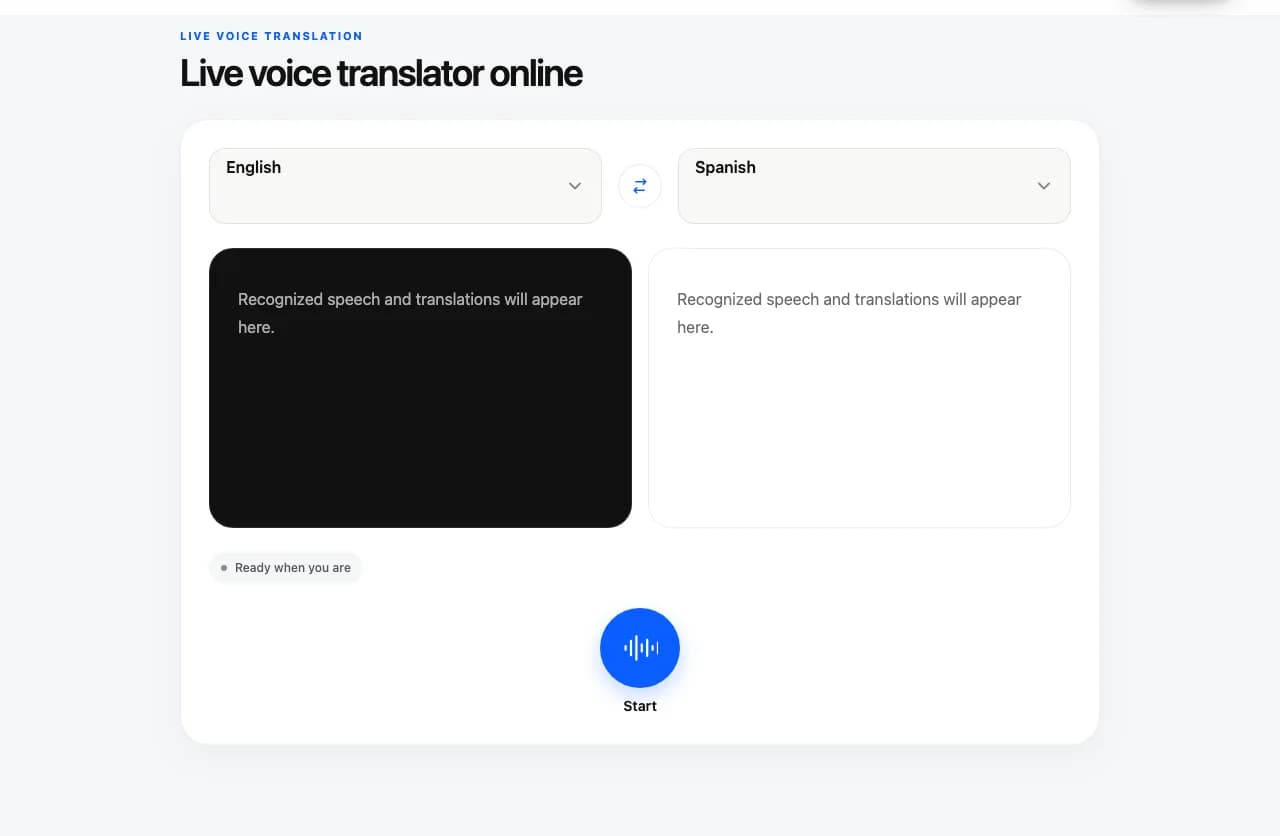
Owll Translator browser voice translation interface showing English and Spanish examples

Words on screen

Follow each turn in the two caption columns

Read Arabic (Saudi Arabia) speech beside its translation, then let the other speaker answer in English (United States) if they prefer. The text stays grouped by the two selected languages, so check the original wording when a place, name, or number matters.

Captions are text only, and either selected language can be spoken in the same session. The examples on this page are written to illustrate the languages; they are not captions captured from a live session.

With live captions, both people can follow each turn and respond while the conversation is underway. Use the two language columns to check names, numbers, and places together.

Two-language text captionsIllustrative phrase pair

Arabic (Saudi Arabia)

كم سعر هذه التذكرة؟

English (United States)

How much is this ticket?

Language selections

Choose the two languages for this conversation

This page starts with Arabic (Saudi Arabia) and English (United States). Speakers can take turns in either selected language during one session. The language columns stay fixed, and the Web trial is up to one cumulative minute per visitor.

How to select the two conversation languages in the browser voice translator
SettingHow it works
First languageStart with Arabic (Saudi Arabia).
Second languageUse English (United States) as the second language; both remain visible in separate caption columns.
Conversation directionEither selected language can be spoken in the same session; its translation appears in the other language’s column.

The default is Arabic (Saudi Arabia), ar-SA, collected in the 8 October 2026 catalog, which also included other Arabic regional labels such as Arabic (Egypt) and Arabic (UAE). This page does not detect dialect and does not promise every variety. Arabic text is right to left. The example is Modern Standard wording for illustration, not a claim about Saudi colloquial speech. Confirm prices, names, and places with the speaker.

Short, practical exchanges

Where a short live exchange can help

Asking a ticket price

Ask for one fare. Read the amount in the Arabic caption and the English caption. Repeat the number if they disagree.

Checking a meeting place

Say one landmark. Right-to-left text can look reordered if it is copied into an English sentence, so read it inside its own caption.

Letting the other person answer in English

Keep the same pair. The English reply stays in the English column, and the Arabic column stays Arabic.

Two adults talking over a map and laptop at a café

Practical tips

Make each caption easier to check

  • 01If another Arabic regional entry in the picker fits the speaker better, select it before Start.
  • 02Read Arabic inside the Arabic caption so the right-to-left order stays intact.
  • 03Say the price or gate number by itself when the first caption is unclear.
  • 04The page does not play translated speech or upload a recording.

Quick troubleshooting

No microphone input?

Check this site’s microphone permission and your system input device, then return to the tool and start again. If another application is using the microphone, close that recording session first.

Does the browser play translated speech?

No. The browser voice translator shows recognized speech and translations as text captions only; it does not play translated speech.

Connection interrupted?

Wait for the status to recover before speaking. If the session ends, check your connection and press Start again. A reconnect does not guarantee that speech from the interruption can be recovered.

Know what to expect

What you can do in the browser

This page is designed for live microphone translation. It does not import media or keep a transcript library.

Current voice translator web tool capabilities
CapabilityAvailability
Live microphone speechSupported
Speak after the Listening status appears.
Two-language text captionsShown together
Each language stays in its own compact caption window, and the words remain on the page after stopping until you leave or refresh.
Text-only translationOn-screen captions
The browser tool shows recognized speech and translations as text. It does not play translated speech.
Two-way conversationBoth selected languages
Take turns speaking either language in the same session. The transcript columns stay fixed by language.
Audio/video files or meeting audioNot on this page
This browser tool is for live microphone speech, not saved recordings.

Use Owll.ai Audio to Text for an audio or video file. To record and transcribe a live Zoom, Teams, or Google Meet, open Owll.ai Meeting Recorder.

These workflows handle recordings in a separate Owll.ai account or workspace; current plan terms apply.

Saving or exporting a transcriptIn an Owll.ai workspace
Live captions here are not saved or exportable.

For an Audio to Text recording, save its transcript in an Owll.ai workspace or export it as TXT, DOCX, or PDF.

Audio to Text

For a longer conversation or other translation tasks, explore the Owll Translator app. App availability and supported languages may differ from this browser tool.

Arabic to English voice translator FAQs

Questions before you start

01Does Arabic (Saudi Arabia) cover every dialect?

No. ar-SA is the starting catalog entry. Other regional Arabic labels existed in the 8 October 2026 catalog. The page does not detect which variety it is hearing.

02Which direction do the Arabic captions run?

Arabic captions are right to left. English captions stay left to right. Read each one in its own column.

03Is the sample sentence a Saudi dialect transcript?

No. It is an edited Modern Standard example so you can see the script. It is not a live caption and not a dialect guarantee.

04Can I bring an Arabic audio file or hear the English spoken?

No. This page listens after Start and shows text. It does not take files or play a translation.

05How long is the live Web trial?

Up to one cumulative minute per visitor. Stopping, refreshing, or opening another pair does not reset used time. The app offer is three free days and is separate.

App features

Explore more ways to use Owll Translator

These links describe features in the Owll Translator app; they are not additional controls in this browser tool.

Keep the conversation going

Try a short exchange here. Take Owll Translator with you.

Explore the Owll Translator app for your next conversation. Check the app for current features, supported languages, and plan options.

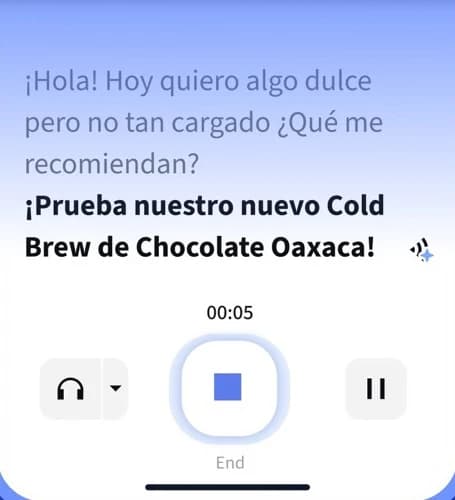
Owll Translator app conversation interface with a Spanish sample exchange and playback controls
Owll Translator app · Interface detail